MacBook Screen Replacement in Bangalore: Liquid Retina XDR, Dustgate & True Tone Guide (2026)

Cracked your MacBook screen or experiencing stage lighting lines? Discover how Liquid Retina XDR and IPS panels work, why "Dustgate" flex cable damage occurs in 2026 MacBooks, how component-level panel replacement works, and how True Tone is preserved.
Introduction: The High Cost of MacBook Screen Disasters in 2026
In 2026, Apple's MacBook lineup—spanning the ultra-portable MacBook Air (M2, M3, M4) and the powerhouse MacBook Pro 14" and 16" (M1 through M5 series)—represents the pinnacle of laptop display engineering. With up to 1,600 nits of peak HDR brightness, 120Hz ProMotion refresh rates, and breathtaking P3 wide color gamuts, these screens are essential tools for Bangalore's software architects, video editors, and startup founders.
Yet, for all their visual brilliance, modern MacBook displays remain exceptionally fragile. Apple's relentless pursuit of ultra-thin designs has reduced the clearance between the display glass and keyboard deck to under 0.8 millimeters. A single trapped speck of grit, a plastic webcam slider cover, or a brief flex during transit on Bangalore's commute can crack the panel instantly.
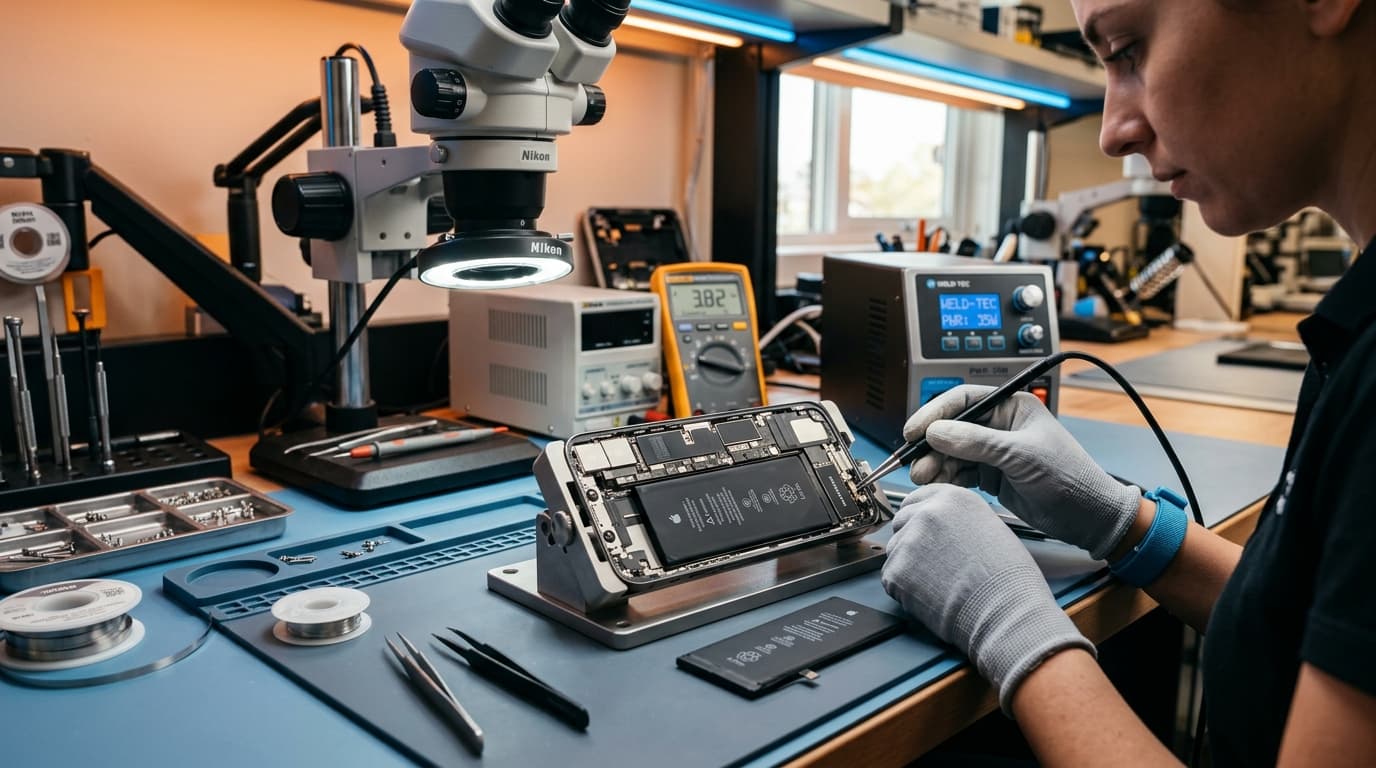
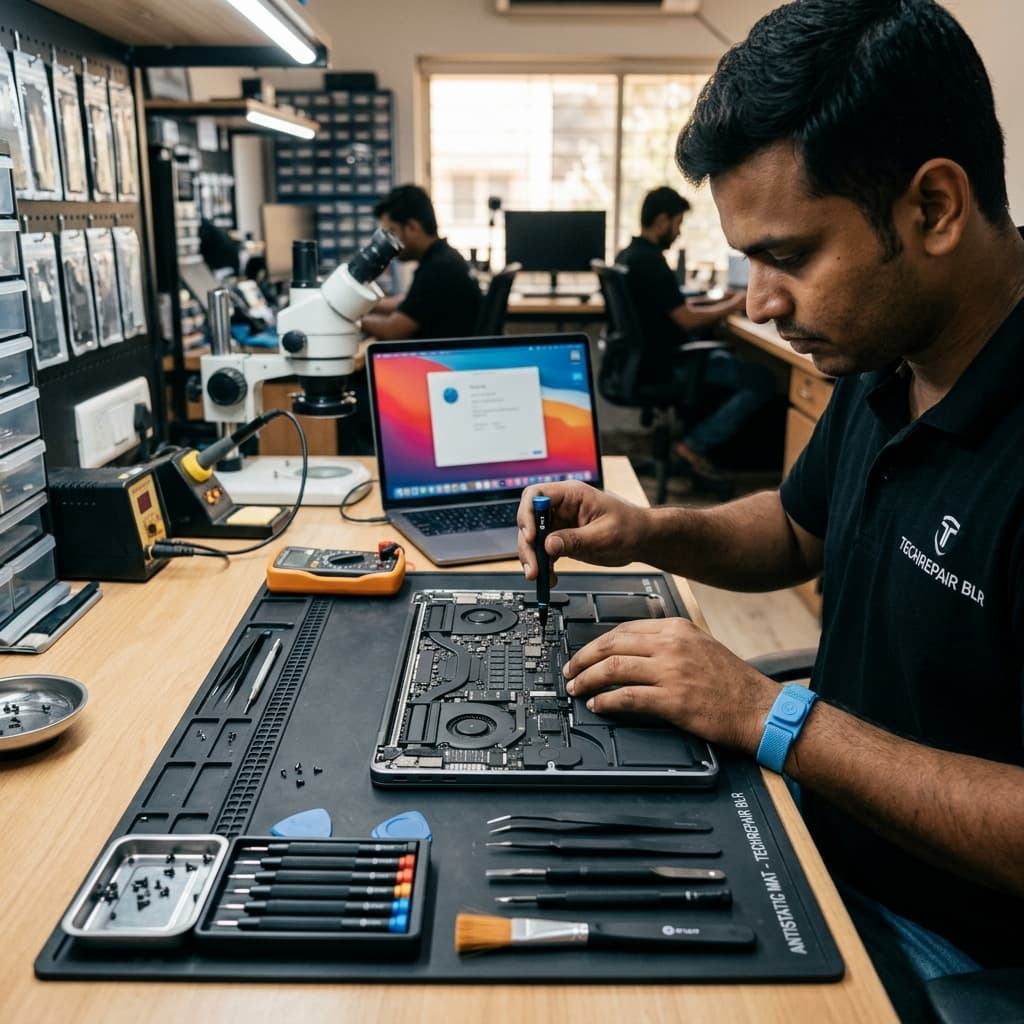
When disaster strikes, visiting an Apple Authorized Service Provider (AASP) in Bangalore often results in costly estimates for full module replacements. Because authorized centers do not repair displays at the component level, they mandate replacing the entire CNC aluminum clamshell lid—even if only the raw glass is damaged. At iOne Care Technology, our certified technicians perform precision raw panel-only replacements, flex micro-soldering, and True Tone sensor calibrations while preserving your original aluminum housing. Here is our comprehensive engineering guide to understanding, diagnosing, and repairing MacBook screens in 2026.
1. Display Engineering: Liquid Retina IPS vs. Mini-LED Liquid Retina XDR
Before deciding on a repair path, it is vital to understand the underlying panel technology inside your specific MacBook model:
| Display Technology | MacBook Models Supported | Engineering Architecture & Repair Nuances |
|---|---|---|
| Liquid Retina IPS | MacBook Air 13" & 15" (M2, M3, M4) | Edge-lit LED backlight with an ultra-thin IPS glass matrix. Vulnerable to impact pressure and corner spider-web cracks. Raw panel separation is straightforward under laminar-flow cleanroom hoods. |
| Liquid Retina XDR (Mini-LED) | MacBook Pro 14" & 16" (M1, M2, M3, M4, M5 Pro/Max) | Over 10,000 individual microscopic LEDs arranged across 2,500+ local dimming zones, managed by high-density diffuser sheets and a dedicated T-CON timing board. Requires specialized micro-alignment tools to avoid optical diffusion hotspots or backlight bleeding during panel swaps. |
2. The Hidden Culprits Behind MacBook Screen Failures in Bangalore
Through diagnosing thousands of broken displays at our Indiranagar repair center, we have identified the top four causes of MacBook display failure across Karnataka:
A. "Dustgate": The Hinge Channel Cable Abrasion
One of the most insidious hardware vulnerabilities in modern MacBooks (2020 through 2026 models) is known in the repair industry as Dustgate. Apple routes the ultra-delicate display data flex ribbons through an open channel beneath the hinge clutch cover.
- Bangalore Silica Particulates: With rapid urban development, metro construction, and high atmospheric dust along corridors like Outer Ring Road, Whitefield, and Bellandur, abrasive dust particles continuously settle inside the hinge cavity.
- Flex Cable Friction: Every time you open or close your MacBook, the flex cable rubs against these trapped grit particles. Over 18 to 36 months, the grit acts like sandpaper, stripping the protective insulation and slicing the microscopic copper traces that carry power and LVDS video signals.
- The Result: Purple, green, or black vertical bands appear across the screen, or the display shuts off completely once opened past a 45-degree angle.
B. "Flexgate" & Stage Lighting Effects
Originally prominent on older MacBook Pros, backlight flex fatigue still affects heavily used laptops. The symptom is unmistakable: the bottom of the screen exhibits alternating bright and dark patches resembling theater stage spotlights ("stage light effect"). In severe cases, the backlight cuts out completely when the lid is tilted back to an ergonomic working angle.
C. The Zero-Tolerance Keyboard Deck Trap
Modern MacBooks have zero margin for error when closed. Placing plastic privacy sliding webcam covers, thick tempered glass keyboard protectors, or silicone keyboard condoms creates focused mechanical pressure against the fragile 0.8mm display substrate. When packed into a laptop bag or backpack, standard external pressure snaps the inner glass panel, resulting in internal ink-bleed black circles with rainbow lines.
D. Liquid Seepage into Backlight Diffuser Sheets
Spraying Colin or alcohol surface sanitizers directly onto the screen allows liquid to run down under gravity, slipping beneath the bottom display bezel. The liquid is instantly wicked into the porous optical diffuser sheets, leaving permanent watermarks, cloudy blotches, or shorting out the bottom LED driver rail.
3. Apple's Serialization Hurdle: T-CON, Lid Angle Sensor & True Tone
In Apple's Silicon era, replacing a display is no longer just a physical screw-and-cable job. Apple implements hardware serialization across several display subcomponents:
The Cryptographic Display Handshake
Every MacBook display houses a Timing Controller (T-CON) board and an integrated Lid Angle Sensor (Hall-effect sleep sensor). During factory provisioning, unique encryption keys and color profile calibrations are permanently paired to the logic board's Apple Secure Enclave.
When an uncertified repair shop slaps on a random display assembly without component calibration, users immediately face frustrating complications:
- Loss of True Tone: The macOS display setting for True Tone vanishes completely, resulting in harsh, uncalibrated blueish white points.
- Lid Sleep/Wake Glitches: If the Lid Angle Sensor is not calibrated or paired, the MacBook may fail to sleep when closed (overheating inside your backpack) or refuse to wake up when opened without holding the power key.
- Auto-Brightness Dysfunction: Ambient light sensors fail to sync dynamically with Bangalore's shifting indoor/outdoor lighting.
How iOne Care Solves Serialization
Our senior engineers use specialized JCID / QianLi display calibration programmers and precision micro-soldering stations. When performing panel repairs, we desolder and transplant your original factory encrypted T-CON EEPROM chip onto the replacement panel, or calibrate the Lid Angle Sensor to factory specifications. The result? 100% True Tone preservation, flawless sleep/wake behavior, and zero error prompts in macOS.
4. Engineering Comparison: Raw Panel Replacement vs. Full Clamshell Swap
Why replace parts you didn't break? Here is how component-level display engineering at iOne Care compares to the traditional authorized service approach:
| Repair Parameter | Apple Authorized Service (Full Clamshell) | iOne Care Technology (Raw Panel / Flex Repair) |
|---|---|---|
| Scope of Work | Discards entire aluminum top case, FaceTime camera, ambient light sensor, and hinges. | Extracts only broken glass/mini-LED matrix. Reuses original pristine aluminum casing, factory camera, and hinges. |
| Cost Approach | Full clamshell replacement charges (often comparable to buying a replacement machine). | Component-Level Pricing (economical quote focused strictly on replacing the damaged panel). |
| Serial Number Match | New external lid serial number mismatches internal chassis registry. | 100% Original Serial Preserved on your matching aluminum case. |
| Turnaround Time | 4 to 7 business days (sent to central depot). | Same-Day (2 to 4 hours in-lab / Doorstep available). |
| True Tone & Sleep Sensor | Calibrated via proprietary cloud server. | 100% Restored via EEPROM transfer and hardware calibration. |
| Data Safety Policy | Mandatory device wipe & factory OS reset. | Zero Data Wipe Guarantee. All code, files, and logins remain untouched. |
5. Honest Repair Comparison: Authorized vs. Roadside vs. iOne Care
Before handing over your high-value MacBook, evaluate the differences between service tiers across Bangalore:
| Service Factor | Apple Authorized Service | Roadside Repair Shop | iOne Care Technology Bangalore |
|---|---|---|---|
| Technician Expertise | Module swap technicians | Untrained generalists | Certified Apple Micro-Soldering Specialists |
| Display Quality | OEM factory assembly | Low-grade aftermarket LCD with poor color & low brightness | Original OEM Liquid Retina & XDR Panels |
| Dustgate / Flexgate Fix | Refused (Requires full lid replacement) | Crude jumper wires that fail within weeks | Precision Laser Micro-Welding & Flex Shielding |
| Cleanroom Environment | Central cleanroom depot | Open dusty workbench (dust trapped under glass) | Laminar-Flow Clean Bench Environment |
| Handover Verification | Standard pickup window | Superficial display check | 12-Point Comprehensive Display & Sensor Checklist |
6. Pro Preventive Guidelines for Bangalore MacBook Owners
Extend the life of your MacBook display and avoid expensive damage with these expert practices:
- Ditch Camera Covers: Never use plastic stick-on webcam sliders. If privacy is required, use a thin piece of paper or sticky note, or rely on macOS's hardware green indicator LED which cannot be bypassed in software.
- Safe Screen Cleaning Technique: Never spray liquid cleaners directly onto the screen. Dampen a high-density microfiber cloth with a small amount of distilled water or 70% isopropyl alcohol, wipe gently in one direction, and buff dry immediately.
- Periodic Hinge Dust Clearing: Every 6 months, gently blow non-conductive compressed air into the open hinge channel behind the function keys to evacuate abrasive Bangalore dust particles before they induce Dustgate damage.
- Careful Lid Closure: Form the habit of running a quick glance over your keyboard before shutting the lid to ensure no charging cables, earbuds, pens, or paperclips are resting on the deck.
Why Choose iOne Care Technology for MacBook Screen Replacement in Bangalore
Located in the heart of Bengaluru at Indiranagar, iOne Care Technology is Karnataka's premier independent Apple hardware repair lab. When you choose us for your MacBook screen repair, you benefit from:
- Laminar-Flow Dust-Free Clean Bench: All panel extractions and OCA laminations are conducted in an ISO-compliant clean air environment, ensuring zero trapped dust specks or air bubbles.
- Same-Day Doorstep Service Across Bangalore: We provide express pickup, on-site diagnostics, and doorstep delivery throughout Indiranagar, Koramangala, Whitefield, HSR Layout, Bellandur, Marathahalli, BTM Layout, and Jayanagar.
- Zero Data Wipe & Full Privacy: We never request your user login password to replace or calibrate a display. Your sensitive business code, proprietary projects, and private data remain untouched.
- No Fix, No Fee Guarantee: Comprehensive diagnostic inspection on every laptop. If your display cannot be successfully repaired or restored to factory specs, you are never charged.
Is your MacBook suffering from a cracked screen, vertical lines, or Dustgate stage lighting in Bangalore? Contact iOne Care Technology today for an upfront quote, book a fast doorstep pickup, or visit our Indiranagar service lab!
Need Professional Repair?
If you're experiencing device issues, our certified technicians are here to help. Get fast, reliable repairs with genuine parts and thorough quality testing.