Why Your Device Keeps Restarting: Complete Diagnostic Guide 2026

Experiencing random restarts on your iPhone, iPad, or MacBook? Learn the root causes from battery degradation to software conflicts, and discover professional diagnostic methods to pinpoint and resolve the issue permanently.
Understanding Random Restarts: A Critical Device Issue
Random device restarts are among the most frustrating problems users face. Whether it's your iPhone, iPad, or MacBook, unexpected shutdowns disrupt productivity and can signal serious underlying hardware or software issues. In this comprehensive 2026 guide, we'll explore the diagnostic process used by certified technicians to identify and resolve restart problems.
1. Battery Degradation: The Most Common Culprit
In over 60% of cases, random restarts trace back to battery health issues. As lithium-ion batteries age, they lose their ability to deliver peak power, causing voltage drops that trigger protective shutdowns.
- Check Battery Health: On iPhone, navigate to Settings > Battery > Battery Health. Capacity below 80% often causes restart issues.
- MacBook Diagnostics: Hold Option while clicking the battery icon to see "Service Recommended" warnings.
- iPad Assessment: Third-party apps like coconutBattery can reveal detailed battery analytics.
2. Software Conflicts & Corrupt System Files
iOS 19, iPadOS 19, and macOS Sequoia 15 have introduced powerful features, but software bugs and corrupted updates can trigger restart loops.
Diagnostic Steps:
- Boot into Safe Mode (Mac: hold Shift during startup; iOS: not available, requires restore)
- Check Console logs for kernel panic reports or repeated crash logs
- Perform a clean OS reinstall using Recovery Mode if crashes persist
3. Overheating & Thermal Management Failures
Modern devices have thermal sensors that force shutdowns to prevent component damage. Chronic overheating can be caused by:
- Blocked air vents (MacBooks)
- Background processes consuming excessive CPU
- Failing thermal paste on older MacBook models
4. Hardware Component Failures
Less common but critical: faulty logic boards, RAM issues (in upgradeable Macs), or defective charging circuits can cause spontaneous reboots.
Professional diagnostic tools like Apple Service Toolkit (AST) 2 can run comprehensive hardware tests unavailable to consumers.
5. Water Damage & Corrosion
Even minor liquid exposure months ago can cause oxidation on internal connectors, leading to intermittent electrical shorts and unexpected restarts.
Signs of liquid damage:
- Restarts occur more frequently when device is moved or touched
- Corrosion visible in SIM tray or charging port
- Liquid Contact Indicators (LCIs) show red activation
When to Seek Professional Help
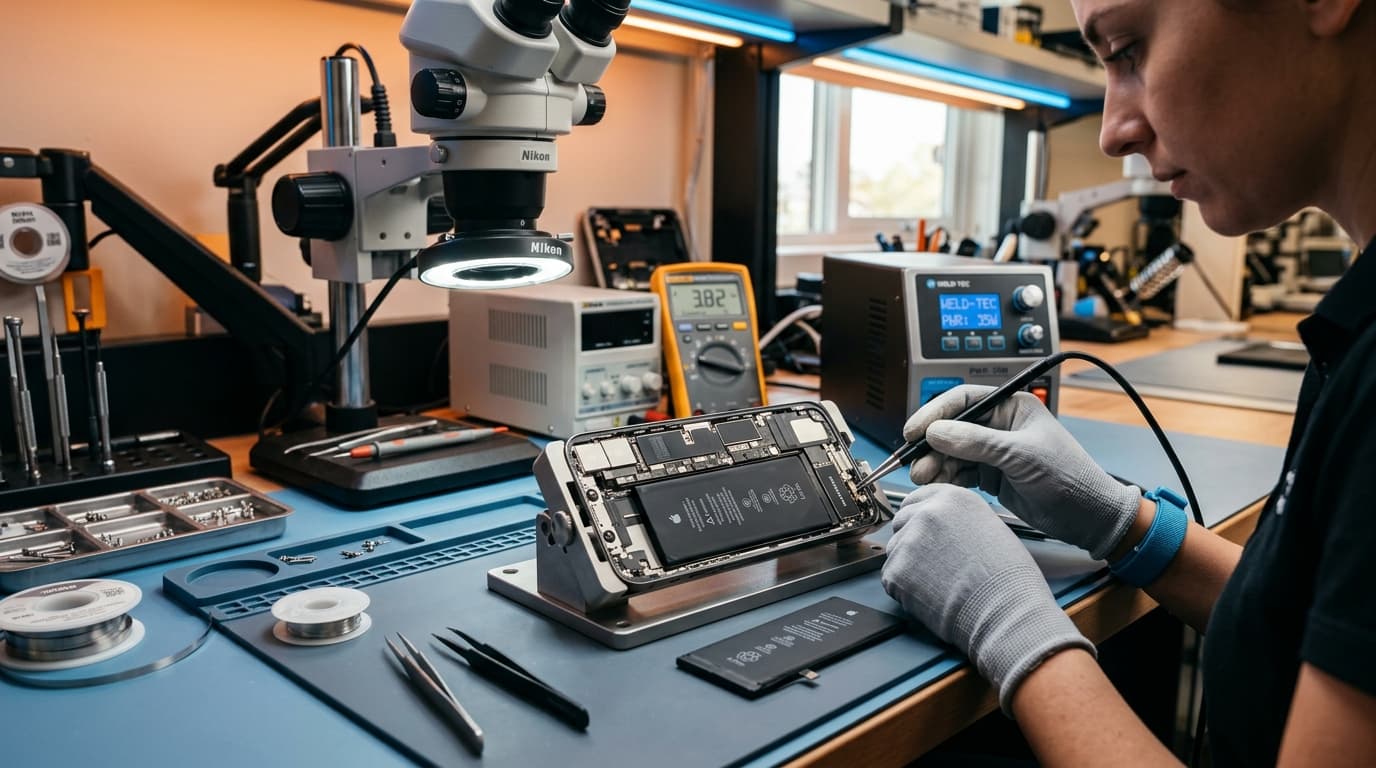
If restarts persist after software troubleshooting, it's time for expert diagnosis. At iOne Care Technology, our certified technicians use advanced diagnostic equipment to:
- Perform micro-soldering inspection for board-level failures
- Test all power delivery circuits with precision multimeters
- Provide same-day battery replacements with genuine Apple components
Conclusion
Random restarts rarely resolve on their own. Whether it's a simple battery swap or complex logic board repair, early diagnosis prevents data loss and further damage. Don't let restart issues compromise your workflow - contact iOne Care Technology for Bangalore's most trusted device diagnostics and repair services.
Need Professional Repair?
If you're experiencing device issues, our certified technicians are here to help. Get fast, reliable repairs with genuine parts and thorough quality testing.